
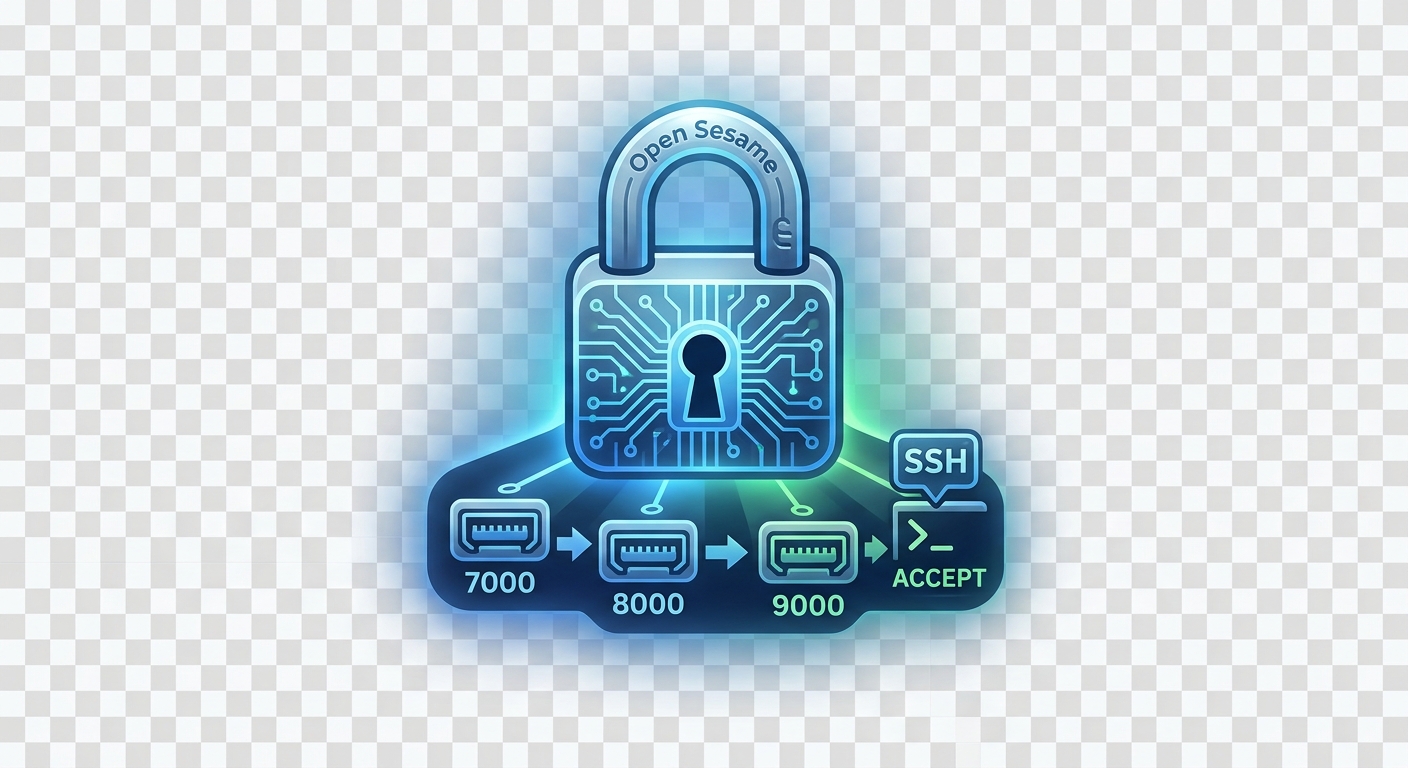
Mastering Linux Port Knocking with Pure iptables & SSH Automation
When managing a Linux server, leaving port 22 exposed to the public internet is an open invitation for automated brute-force scripts and port scanners. While SSH key authentication offers strong cryptographic security, keeping the port closed entirely until you specifically need it provides an extra layer of defense in depth—often referred to as security through obscurity done right.
In this guide, we will walk through setting up a complete, zero-dependency Port Knocking solution ("Open Sesame") using only raw iptables rules—no third-party daemons like knockd required. We will also cover whitelisting static IPs for safety and automating the entire connection sequence via your ~/.ssh/config.
Prerequisites
Before diving into the setup, make sure you have:
- A Linux server with
iptablesinstalled and root/sudo privileges. - An active SSH session (keep your current terminal window open while applying rules to prevent lockouts).
- Basic familiarity with command-line networking tools like
nc(Netcat) ornmap.
Step 1: Secure Your Connection (Static IP Whitelisting)
The golden rule of remote firewall administration is: Always guarantee your own access first.
Because iptables evaluates rules sequentially from top to bottom (first-match wins), inserting your personal IP address at position #1 ensures you will never lock yourself out—even if your knock sequence fails or a command contains a typo.
Run the following command, replacing 203.0.113.50 with your static public IP address:
sudo iptables -I INPUT 1 -s 203.0.113.50 -j ACCEPT-I INPUT 1: Inserts the rule at position #1 in theINPUTchain.-s 203.0.113.50: Matches traffic originating specifically from your IP address.-j ACCEPT: Immediately grants access, bypassing all rules below it.
Pro-Tip (Remote Safety Net): When testing firewall rules on a remote host, schedule an automatic firewall flush before making changes. If you accidentally lose connection, the timer will automatically restore access after a few minutes:
bashecho "iptables -F && iptables -P INPUT ACCEPT" | at now + 5 minutesIf everything works as intended, clear the job queue using
atrm $(atq | awk '{print $1}').
Step 2: Configure the iptables Port Knocking Sequence
We will leverage iptables' built-in recent module to track client IP addresses through a 3-step state chain:
- Knock 1: Port
7000(Adds IP to listknock1) - Knock 2: Port
8000(Checksknock1, moves IP toknock2) - Knock 3: Port
9000(Checksknock2, moves IP toopen_sesame) - SSH Access: Port
22(Checksopen_sesame, allows entry for 60 seconds)
Complete Firewall Script
Run the following script to flush existing rules and build the port knocking chain:
#!/bin/bash

# 1. Clear existing rules and set default policy
sudo iptables -F
sudo iptables -X
sudo iptables -P INPUT ACCEPT

# 2. GUARANTEE ACCESS: Whitelist static IP at top (Optional, replace IP)
# sudo iptables -A INPUT -s 203.0.113.50 -j ACCEPT

# 3. Allow established connections & local loopback
sudo iptables -A INPUT -m conntrack --ctstate ESTABLISHED,RELATED -j ACCEPT
sudo iptables -A INPUT -i lo -j ACCEPT

# 4. Knock 1: Port 7000 -> Add to 'knock1' list
sudo iptables -A INPUT -p tcp --dport 7000 -m recent --set --name knock1 -j DROP

# 5. Knock 2: Port 8000 -> Verify 'knock1' (within 60s), move to 'knock2'
sudo iptables -A INPUT -p tcp --dport 8000 -m recent --rcheck --seconds 60 --name knock1 -j DROP
sudo iptables -A INPUT -p tcp --dport 8000 -m recent --set --name knock2 -j DROP

# 6. Knock 3 (Open Sesame): Port 9000 -> Verify 'knock2' (within 60s), move to 'open_sesame'
sudo iptables -A INPUT -p tcp --dport 9000 -m recent --rcheck --seconds 60 --name knock2 -j DROP
sudo iptables -A INPUT -p tcp --dport 9000 -m recent --set --name open_sesame -j DROP

# 7. Final Unlock: Allow SSH (Port 22) if client is in 'open_sesame' list
sudo iptables -A INPUT -p tcp --dport 22 -m recent --rcheck --seconds 60 --name open_sesame -j ACCEPT

# 8. Stealth Drop: Silence all other incoming SSH requests
sudo iptables -A INPUT -p tcp --dport 22 -j DROP
Step 3: Manual Testing from Client Machine
To test the sequence manually from your local command line, use Netcat (nc) to hit each port in sequence:
# Send knock packets in exact order
nc -z -w 1 <SERVER_IP> 7000
nc -z -w 1 <SERVER_IP> 8000
nc -z -w 1 <SERVER_IP> 9000

# Connect via SSH immediately
ssh user@<SERVER_IP>
Alternatively, run it as a compact single-line Bash loop:
for p in 7000 8000 9000; do nc -z -w 1 <SERVER_IP> $p; done && ssh user@<SERVER_IP>Step 4: Automating Connections via SSH Config & Nmap
Rather than running terminal loops manually every time you connect, you can configure your SSH client (~/.ssh/config) to automatically execute the port knocks prior to connecting.
Option A: Using Netcat in ProxyCommand
Open or create ~/.ssh/config on your workstation:
Host secret-server
    HostName 192.168.1.100
    User admin
    ProxyCommand bash -c "for p in 7000 8000 9000; do nc -z -w 1 %h \$p; done; sleep 1; nc %h %p"
Option B: Using Nmap in ProxyCommand
If you prefer nmap, you can execute a multi-port scan across the target sequence before handing the connection stream over to Netcat:
Host secret-server
    HostName 192.168.1.100
    User admin
    ProxyCommand bash -c "nmap -Pn -p 7000,8000,9000 --max-rtt-timeout 100ms %h >/dev/null 2>&1 && sleep 1 && nc %h %p"
Now, connecting to your host is as simple as running:
ssh secret-serverSSH will automatically issue the port knock sequence behind the scenes, wait 1 second for iptables state update, and seamlessly land you in your server shell.
Step 5: Monitoring and Managing Knock Lists
You can directly inspect the Linux kernel's tracked IP addresses by inspecting /proc/net/xt_recent/:
- View IPs currently on the final unlock list:bash
cat /proc/net/xt_recent/open_sesame - Manually revoke access for an IP address:bash
sudo echo "-203.0.113.50" > /proc/net/xt_recent/open_sesame
Conclusion
By leveraging iptables and the kernel's built-in state-tracking modules, you achieve a lightweight, zero-dependency port knocking system. Combined with SSH client automation via ProxyCommand, your server remains entirely invisible to automated scanners without compromising ease of entry.